Find an issue
Ask for an issue by key or by words in the title. Toby gives you the status, the assignee and the latest comment.
 Jira Slack and Teams integration
Ask Toby about an issue, a sprint or a blocker in the channel where the team is already talking. It reads Jira, answers in the thread and creates or changes an issue only after you approve.
2,000 free credits, no card needed, $25 a month after that.
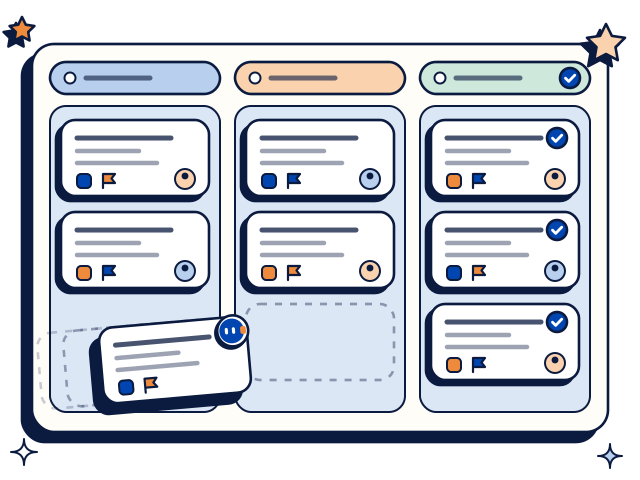
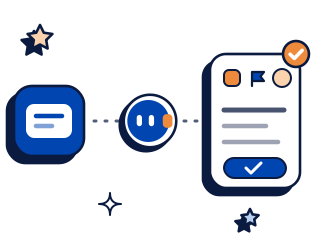
Ask for an issue by key or by words in the title. Toby gives you the status, the assignee and the latest comment.
Ask what an issue is about and where it was left. Toby reads the comments and gives you the short version.
Each Friday Toby posts what moved to done, what is in progress and what is blocked for the sprint you name.
Ask which issues are blocked or have not been touched in a while. Toby lists them with the assignee.
Tell Toby which bug your team just discussed. It drafts the issue and creates it in Jira after you approve.
Ask Toby to change the assignee, priority or status. It shows the change and applies it after you approve.
Connect two tools and Toby can work across both in one thread.

Toby takes this week's merged pull requests from GitHub and names the Jira issue each one belongs to.
Jira and GitHub
Toby writes the sprint round-up from Jira into a page in Notion.
Jira and Notion
Toby drafts the sprint status email in Outlook from the Jira round-up. You edit and approve it.
Jira and OutlookMention Toby in any channel it has joined.
Slack
@Toby what is still open on the checkout sprint?
Several issues are in progress. One is blocked: NW-214, waiting on a payments sandbox.
@Toby log a bug: the invoice PDF is missing the ABN on page two. Assign it to Lena.
Here is the issue: “Invoice PDF missing ABN on page two”, assigned to Lena. Create it in Jira?
Created NW-231 and assigned it to Lena.
Example thread. Names and figures are made up.
Microsoft Teams
Example thread. Names and figures are made up.
Toby works the same way in Slack and in Microsoft Teams.
Add Toby to your workspace and choose the channels it joins.
Open the dashboard and choose Jira from the list of connections.
Sign in on Jira's own screen and allow access. You name and approve every tool connection yourself before Toby can use it.
Ask Toby to summarise an issue your team knows well, using its key.
2,000 free credits, no card needed, then $25 a month.
Every plan includes every connection, so Jira costs nothing extra. All plans draw on one credit pool, and nobody pays per seat.
Full tiers are on the pricing page. You need your own Jira account.
No. You ask in a Slack or Teams channel and Toby answers in the thread, with the issue key so people can open it in Jira.
It finds and summarises issues, lists blockers and posts sprint round-ups. It creates an issue or changes one after you approve.
Yes. Tell it which project or sprint, which channel and which day. It posts the round-up there on that day.
Yes. You can remove a channel, disconnect a tool, or take Toby out entirely from the dashboard whenever you want.
Nothing extra. Every plan includes every connection. You start with 2,000 free credits and no card, and Starter is $25 a month for the whole workspace.
Start free and ask what is blocked this sprint.