Your first AI hire.
Toby lives in your Slack or Microsoft Teams. It connects to the tools your team already pays for and takes jobs off people’s plates instead of handing back advice.
Start with 2,000 free credits
$25 a month after that. You do not need a card to try it.

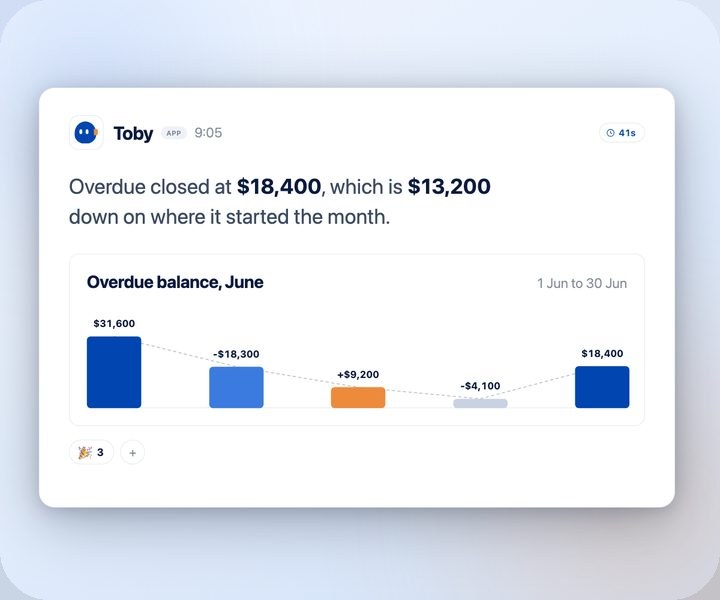
@Toby where did our overdue balance land this month?
Overdue closed at $18,400, which is $13,200 down on where it started the month. Three follow-ups went out this morning.
Trusted by teams across Australia and Singapore
We stopped hiring a second support coordinator. Toby triages the queue before anyone opens it, and the team starts the day on the eight tickets that actually need a person.
 Operations ManagerShiftCare
We were not slow at collecting, we were slow at asking. Toby does the asking now, and the money arrives sooner than it used to.
 Finance ManagerOscar Wylee
The Monday report was half a morning of copying numbers between tabs. It is written and waiting when we get in, and nobody has to assemble it.
 Operations LeadCloud Assess




Your one-click AI employee. The work stops sitting there.
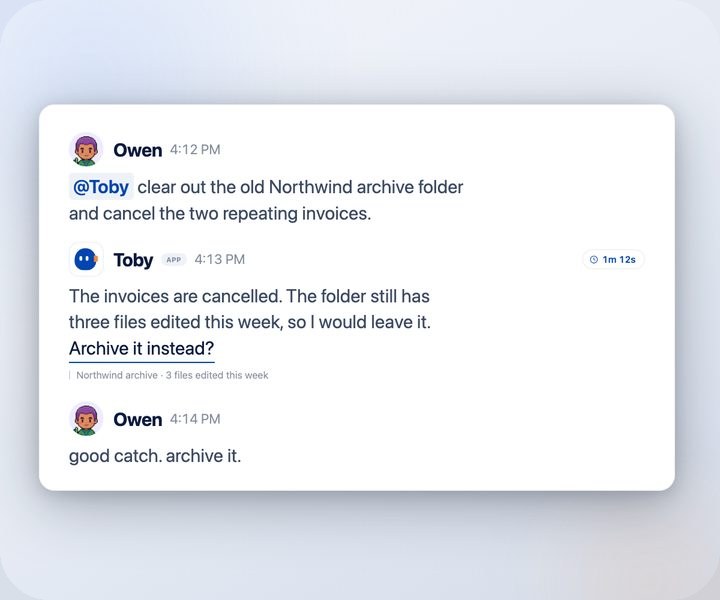
Chat assistants hand you answers and drafts. Everything after that is still your job. Toby takes the job itself.
Setting it up takes about two minutes.

Set up Toby where your team works.
Add Toby to Slack or Teams
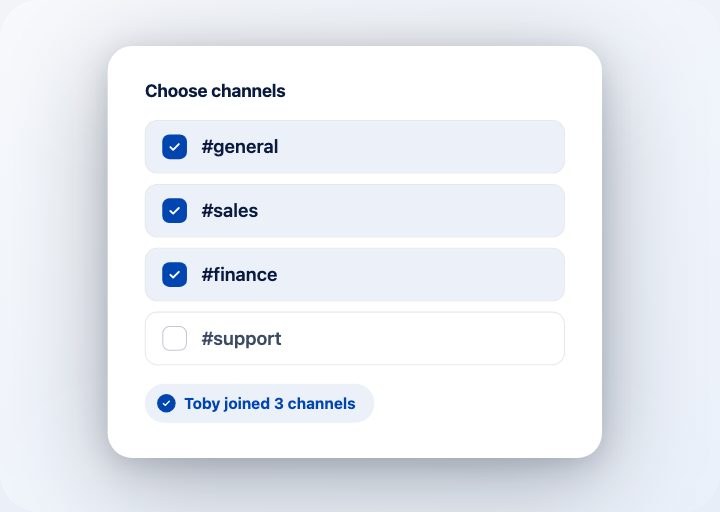
It joins as a teammate, only in the channels you pick, and posts a short intro so nobody wonders who it is.
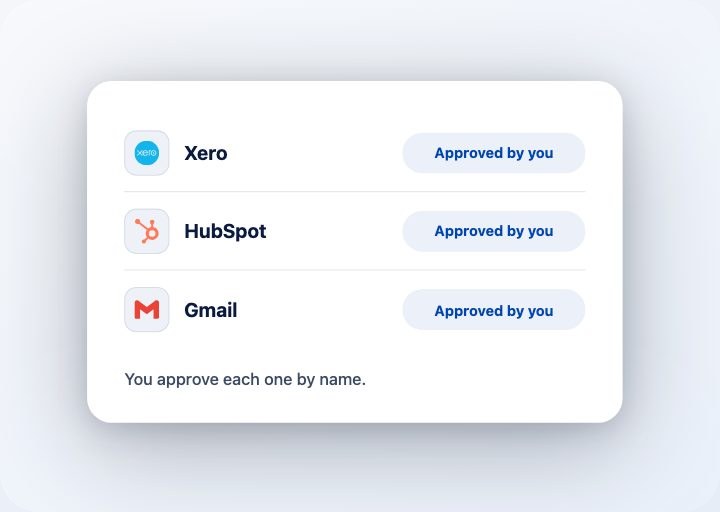
Connect your tools
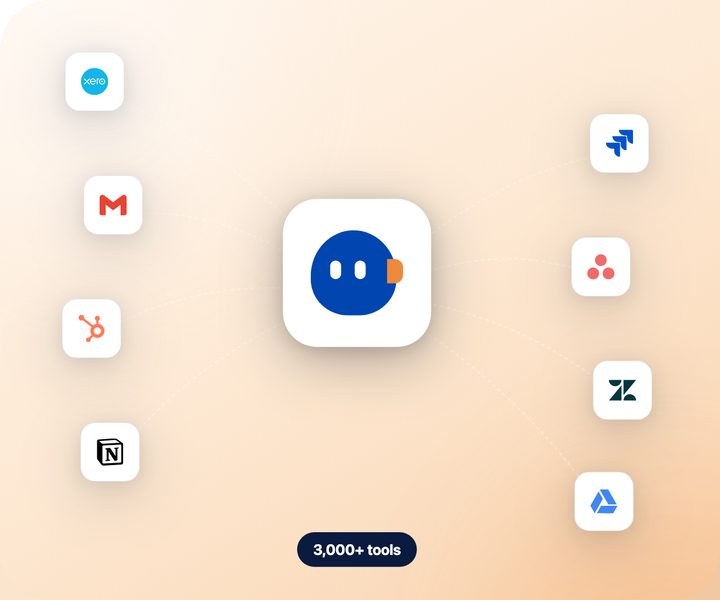
Gmail, Xero, HubSpot, Notion and a few thousand more, because anything exposed over MCP is fair game. You approve each connection by name before Toby can touch it.
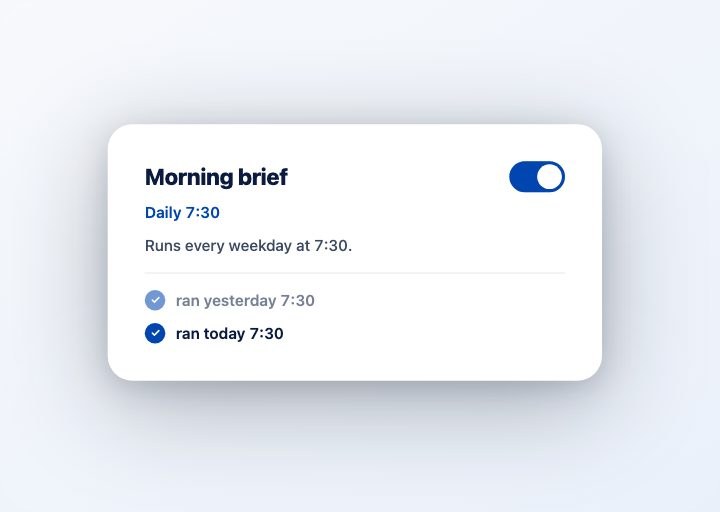
Hand over the job
Message Toby the way you would message a colleague, or mention it in a thread where the work is already being discussed. Give it a schedule and it will run the job every morning without being asked again.
Plugged into the tools you already run.
Where teams put Toby first.
Pick a team and see the jobs people hand over first.
Account briefs
Ask about an account on the way to the call. Toby pulls the history from your CRM and inbox and hands you a short brief in Slack.
Same-day follow-ups
After the call, Toby drafts the follow-up in your voice, logs the notes, and sends it once you say go.
Pipeline hygiene
Stages, owners and next steps stay current, and the deals that have gone quiet get flagged before the forecast call.
Hand over a job in one message.
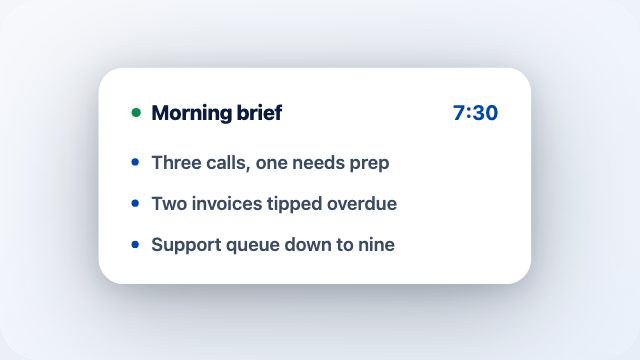
Morning brief
Daily 7:30A short read at 7:30 covering what is on today and anything that moved overnight.
Meeting prep
Before callsToby writes up the account before the call, so you are not reading the CRM in the car park.
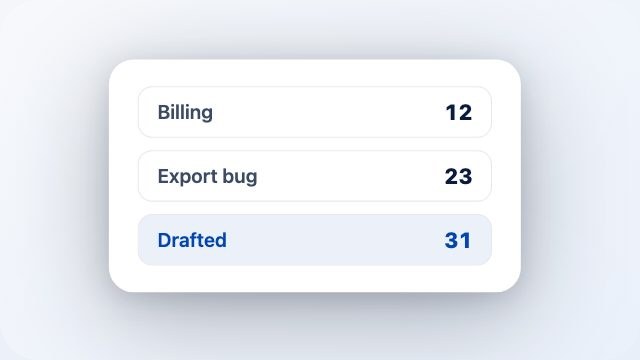
Inbox triage
Daily 8:00It sorts whatever came in overnight and drafts the replies you would have written anyway.
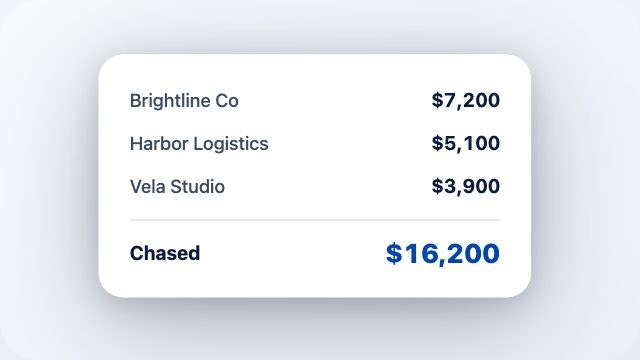
Invoice chasing
Weekly MonToby works out who is late, sends the follow-ups, and tells you which accounts it deliberately left alone.
You decide what Toby sees.
- Toby only sees the channels you invite it into, and it posts a short introduction when it arrives so nobody wonders who joined.
- Never private channels or DMs between teammates.
- You name and approve every tool connection yourself before Toby can use it.
- You can remove a channel, disconnect a tool, or take Toby out entirely from the dashboard whenever you want.


@Toby what did #exec decide about the price change?
I am not in #exec, so I cannot see it. I only go where you invite me, and never into private channels or DMs. Add me there if you want me across it.
fair enough, we will keep that one to ourselves.
Frequently asked questions
Is Toby another chatbot?
Which tools does it work with?
What does it cost?
What can it see in Slack or Teams?
Does Toby work in Microsoft Teams?
How long does setup take?
Do we get help setting up?
What if it gets something wrong?
The next hire doesn’t need a desk.
Add Toby to your Slack or Teams and give it something you have been putting off.
2,000 free credits · From $25 a month · No card required