See who is working
Ask who is on shift today, or who is rostered on Saturday at a location.
Ask Toby who is working today, what next week's roster looks like and which timesheets are still waiting. It reads Deputy and answers in the channel your managers already use.
2,000 free credits, no card needed, $25 a month after that.
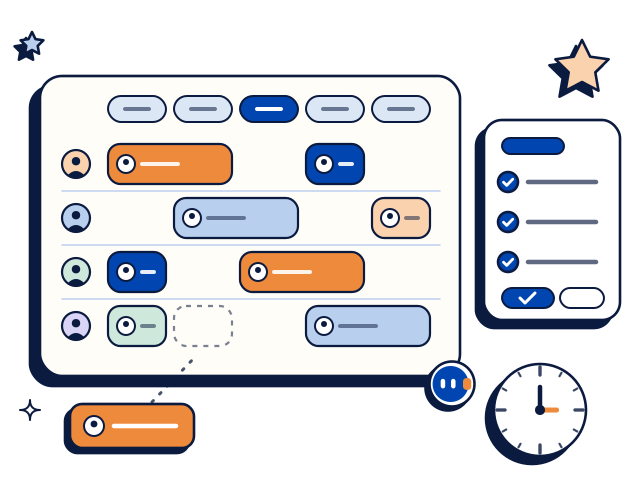

Ask who is on shift today, or who is rostered on Saturday at a location.
Ask for next week's roster for a location. Toby posts it as a clear list in the thread.
Ask which timesheets are still waiting for approval, and whose they are.
Ask who is on the staff list at a location, or whether someone is set up in Deputy.
Each Thursday Toby posts the unapproved timesheets in the managers' channel so they are cleared before pay day.
Each Sunday Toby posts a short summary of the week ahead, including shifts that have no one assigned.
Connect two tools and Toby can work across both in one thread.
Mention Toby in any channel it has joined.
Slack
@Toby who is working Saturday at Bondi?
Saturday at Bondi: Lena 8am to 4pm, Sam 10am to 6pm and Priya 12pm to 8pm.
@Toby which timesheets are still unapproved?
Two are waiting for approval: Sam for last Tuesday and Priya for last Friday.
Example thread. Names and figures are made up.
Microsoft Teams
Example thread. Names and figures are made up.
Toby works the same way in Slack and in Microsoft Teams.
Add Toby to your workspace and choose the channels it joins.
Open the dashboard and choose Deputy from the list of connections.
Sign in on Deputy's own screen and allow access. You name and approve every tool connection yourself before Toby can use it.
Ask Toby who is working today at one of your locations.
2,000 free credits, no card needed, then $25 a month.
Every plan includes every connection, so Deputy costs nothing extra. All plans draw on one credit pool, and nobody pays per seat.
Full tiers are on the pricing page. You need your own Deputy account.
No. You ask in a Slack or Teams channel and Toby answers in the thread. Managers get the roster without opening the app.
It reads rosters, who is working, unapproved timesheets and the staff list. It can post those on a schedule, such as a reminder before pay day.
Toby reads in Deputy. Changes to rosters and the staff list stay with the people who manage Deputy.
Yes. You can remove a channel, disconnect a tool, or take Toby out entirely from the dashboard whenever you want.
Nothing extra. Every plan includes every connection. You start with 2,000 free credits and no card, and Starter is $25 a month for the whole workspace.